Making a custom Gridfinity insert was taking me an hour. Per bin.
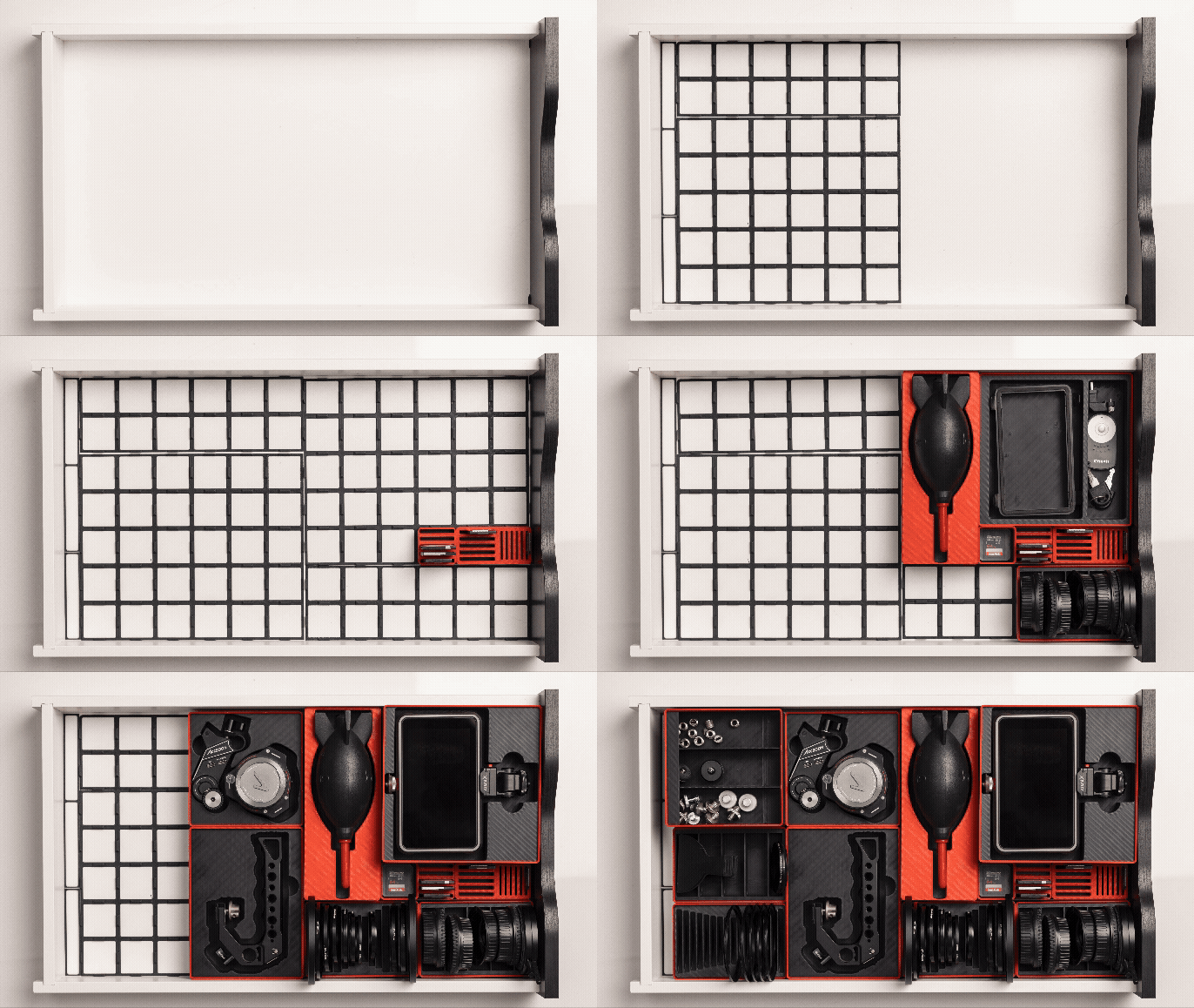
Snapfinity generates a perfect-fit Gridfinity storage insert from a photograph.
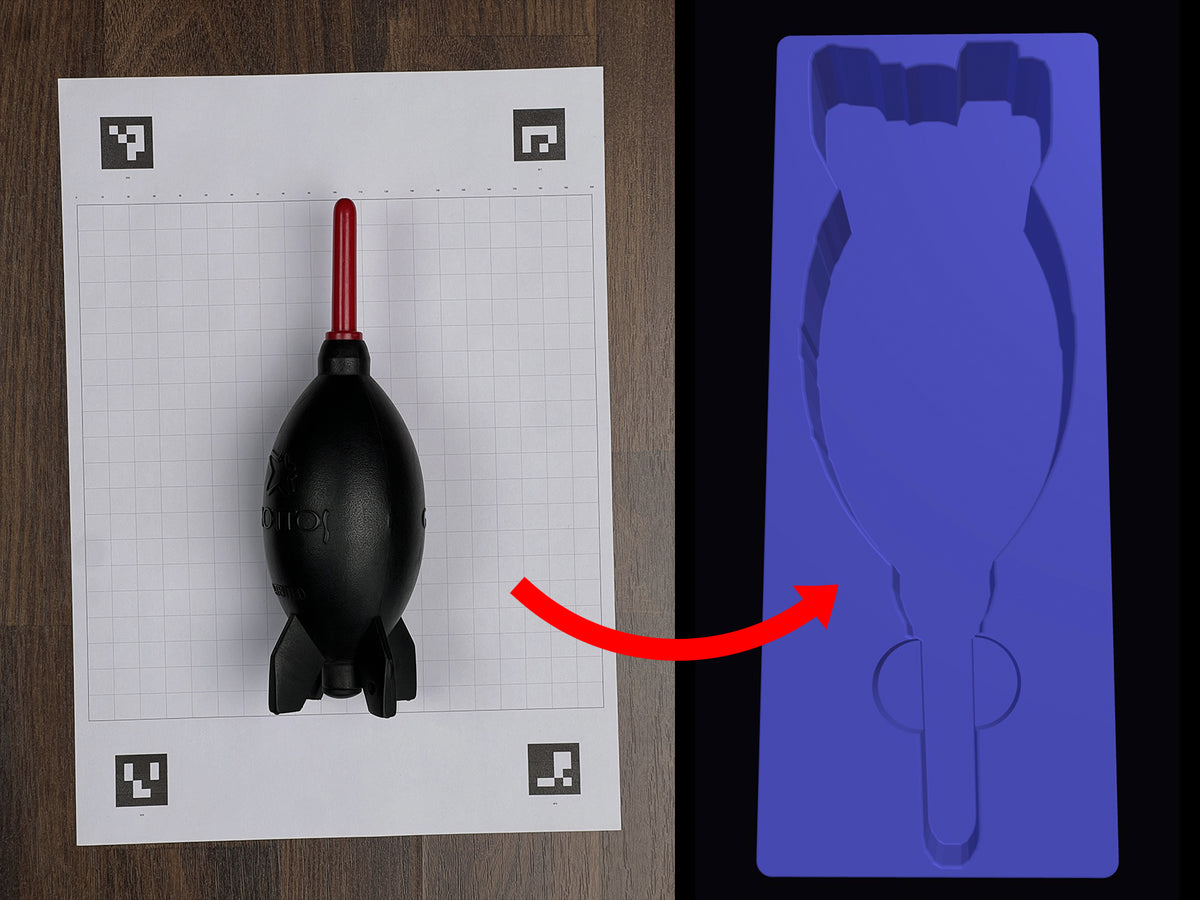
Photograph any object on the included calibration board. Computer vision measures it and outputs a custom STL, STEP and 3MF — ready to slice and print. No calipers. No CAD. First print fits.
$9.99 · One-time purchase · No subscription
5 min vs 1+ hour manually
Mac + Windows both platforms supported
How Snapfinity Works
Four steps. Zero manual measurement.
01 Print the calibration board
Download and print the included A4 calibration board. Plain copy paper works.
02 Photograph your object
Place the object on the board and take a photo. The board gives Snapfinity its real-world scale reference.
03 Computer vision measures it
Snapfinity detects the board's ArUco markers, corrects perspective and measures the exact pocket dimensions — width, length and height.
04 Your insert is ready
Export STL, STEP or 3MF and send it straight to your slicer. First print fits.
What Snapfinity Does
📐 Computer Vision Measurement
ArUco marker detection + perspective correction measures your object accurately from a photo. No physical measuring required.
🗂 Gridfinity-Ready Output
Exports STL, STEP and 3MF sized exactly to the Gridfinity grid. Drop into Bambu, PrusaSlicer or any slicer and print.
🎛 Scoops & Labels
Add scoops for easy pickup and labels directly in the app before you export.
📋 Calibration Board Included
A printable A4 calibration board ships with the app. Print once, reuse for every object.
💻 Mac + Windows
Native app for both platforms. No browser, no cloud upload.
⚡ Works Offline
Everything runs on your machine. Your photos never leave your computer.
Frequently Asked Questions
Q. What do I need to get started?
A printer for the calibration board, a phone or camera for the photo, and a 3D printer. FDM printers (Bambu, Prusa, Creality) all work.
Q. How accurate is it?
Typically within 0.5mm on each axis. Accuracy depends on photo quality and lighting — not how well you can use a calliper.
Q. What files does it output?
STL, STEP and 3MF. All three are included in every export.
Q. Does it work for any object?
Best results on objects with clear edges. Objects with transparent or mirror-finish surfaces are harder but usually still workable.
Q. Does it need an internet connection?
Only to download the app. After that everything runs locally — no cloud, no subscription.
Q. How many devices can I use it on?
One license covers one device.